What Managed WordPress Care Actually Covers (and Why Sites Break Without It)
Nathaniel Kober · · 9 min read
A website isn't finished when it launches. In 2025 alone, researchers logged more than 11,000 new security holes in WordPress add-ons, and nearly half of WordPress sites were running on software that no longer gets security fixes. Here's what a care plan should actually do, what it usually doesn't, and the questions to ask before you pay for one.

Article
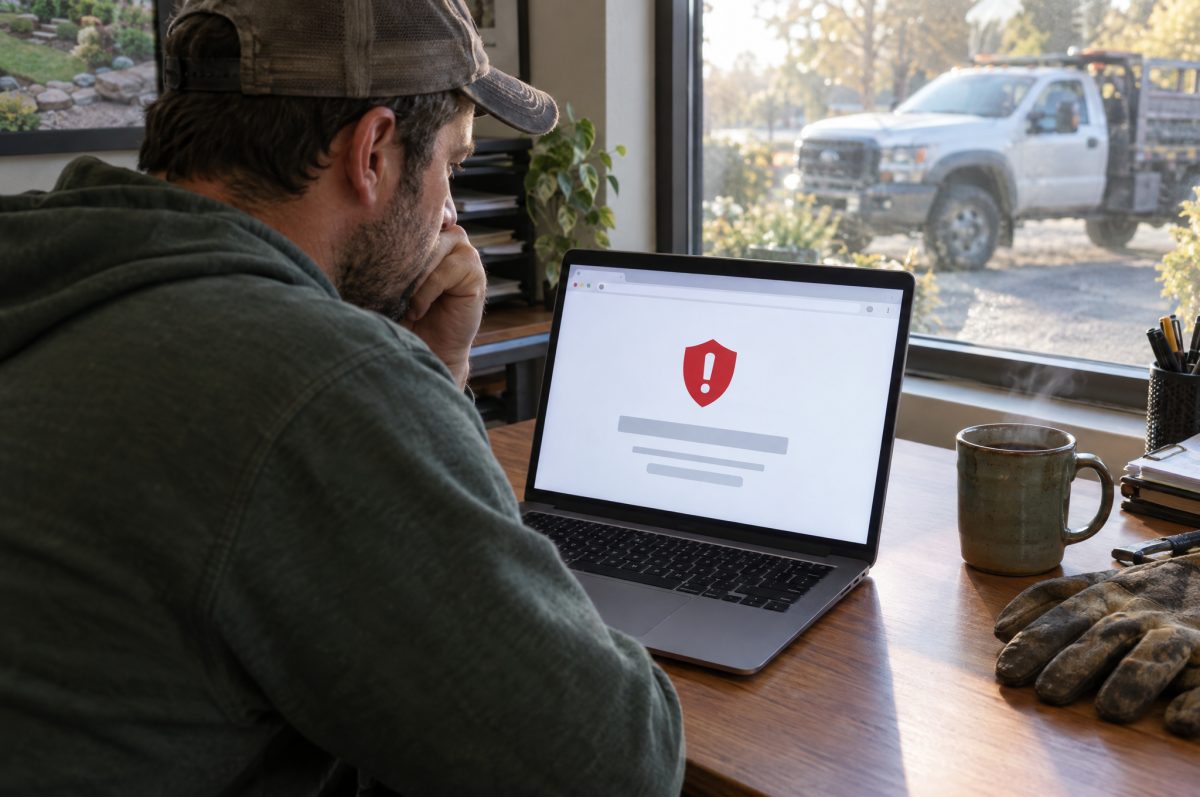
Most small-business websites don't fail all at once. They fail slowly. The agency that built the site moves on, the add-ons age, the hosting sits in somebody's old account, and the first sign of trouble is a browser warning telling visitors to go somewhere else.
WordPress runs about 40% of all websites, according to W3Techs, and nearly six in ten of the sites whose platform can be identified. That popularity is why it's so useful, and also why it's the web's biggest target.
The short answer: a managed WordPress care plan is the ongoing work that keeps a website secure, working and recoverable after it launches. A good plan covers hosting, updates to WordPress and its plugins, tested backups, security monitoring, uptime monitoring and a person to call when something breaks. It usually doesn't cover new pages, redesigns, content writing or marketing. Whether you pay someone or do it yourself, the work has to happen. In 2025, attackers began exploiting about half of the most serious WordPress security holes within 24 hours of their being made public.
| Task | How often | What goes wrong without it |
|---|---|---|
| Plugin and theme updates | Weekly, plus same-day for urgent security fixes | Known security holes stay open on your site long after a fix exists |
| WordPress core updates | Security releases right away; major versions after testing | Missed fixes, and eventually add-ons that stop working with your version |
| Server software (PHP) upgrades | As versions reach end of life | Your site runs on software that no longer receives security fixes |
| Backups | Daily, stored off the server, with restores tested | One bad update, hack or mistake and there's nothing to go back to |
| Security monitoring and firewall | Continuous | Break-ins go unnoticed until Google or a customer flags the site |
| Uptime and certificate monitoring | Every few minutes | The site is down or showing a security warning and nobody knows |
| Support and fixes | As needed, within an agreed response time | Small problems wait in an inbox until they become big ones |
Why websites don't stay working on their own
A website feels like a finished thing, like a brochure. It isn't. It's software running on other software, and every layer underneath it keeps changing.
Plugins are where the risk lives. Most WordPress sites depend on plugins, the add-ons that handle contact forms, online stores, booking calendars, galleries and search engine settings. The security firm Patchstack counted 11,334 new security vulnerabilities across the WordPress ecosystem in 2025, a 42% jump from 2024. About 91% were in plugins and 9% in themes. WordPress itself accounted for just six, all low priority.
Fixes don't always exist yet. Patchstack found that 46% of those vulnerabilities had no fix from the plugin's developer by the time they were made public. A care plan can't install a fix that doesn't exist, but it can notice the problem, turn off or replace the plugin, or add a firewall rule until a fix arrives.
Attackers move fast. About half of high-impact vulnerabilities were exploited within 24 hours of being published, and the median time to mass exploitation for the most heavily targeted ones was five hours. "I'll update it when I get a chance" doesn't hold up against that.
Hosting firewalls alone aren't enough. In Patchstack's tests of hosting providers, the hosts' own defenses blocked only about a quarter of attacks on known plugin vulnerabilities. Good hosting matters, but it doesn't replace keeping the site itself up to date.
The layer most owners never see: PHP
WordPress is written in a programming language called PHP, and your hosting server runs a specific version of it. Each PHP version gets security fixes for a set time and then stops. Nothing on your website changes when that happens, so nobody notices.
In January 2026, the WordPress project published how its sites were spread across PHP versions. By our count from those figures, about 47% of WordPress installations were running PHP 8.1 or older, versions that no longer receive security fixes from PHP's developers. Another 27% were on PHP 8.2, which stops receiving security fixes on December 31, 2026.
WordPress 7.0, released in May 2026, raised its minimum to PHP 7.4 and recommends PHP 8.3 or newer. Sites on older versions are stuck on the previous WordPress branch.
Upgrading PHP isn't hard, but it isn't a single click either. Older plugins and themes can break on a newer version, so the change has to be tested first. It's the kind of job that slips for years when no one is assigned to it.
What a good care plan does
Updates, done carefully. Updating plugins, themes and WordPress itself, ideally on a test copy of the site first, then checking that forms, checkout and key pages still work. Security fixes go in the same day. Big version changes wait until they've been tested.
Backups you can actually restore. The federal Cybersecurity and Infrastructure Security Agency (CISA) recommends the 3-2-1 rule for business data: three copies, on two different types of storage, with one kept off-site. It also recommends testing restores and being able to roll back at least seven days. For a website, that means automatic daily backups stored somewhere other than the server the site runs on, and someone who has actually tried restoring one.
Security monitoring. A firewall, malware scanning, login protection and alerts when something changes that shouldn't. Plus a plan for what happens if the site is hacked anyway.
Uptime and certificate monitoring. Automatic checks every few minutes so problems are spotted by the person who can fix them, not by your customers. That includes the security certificate behind the padlock in the address bar, which causes a full-page browser warning if it lapses.
Hosting that someone is responsible for. Server software upgrades, including PHP, and performance tuning. When one team handles both the hosting and the site, there's no finger-pointing when something goes down.
A person to call. Someone who knows your site and answers within an agreed time. This is often the most valuable part, and the hardest to compare between plans.
Accessibility, email and settings checks. New plugins and content can quietly break accessibility, website mail can land in spam, and security tools can block search engines and AI tools by accident. We cover each in website accessibility and the ADA in 2026, SPF, DKIM and DMARC in plain English and how to show up in AI answers.
Usually included
- Hosting and server upkeep
- WordPress, plugin and theme updates
- PHP upgrades, after testing
- Daily off-site backups and restores
- Security monitoring and firewall
- Uptime and certificate monitoring
- Small fixes and support requests
Usually separate
- New pages, features or redesigns
- Writing and photographing content
- Search, ads and other marketing
- Premium plugin or software licenses
- Email accounts and domain renewals
- Major rebuilds when a site is too old to update safely
Plans differ, so check which column each item falls in before you sign. The line between a "small fix" and "new work" is where most misunderstandings start.
Seven questions to ask any provider
- Who holds your domain and hosting, and can you take them with you? Many agencies, including us, register the domain and host the site for their clients. That keeps everything in one place and is perfectly normal. What matters is that your agreement says the domain and site are yours, and that the provider will transfer them on request. Ask what could stop a transfer. The only reasonable answer is an unpaid bill.
- Where are backups stored, and when was one last restored? "On the same server" isn't a backup if the server fails.
- Do you test updates before they go live? Or do they run automatically and hope for the best?
- How fast do you respond, and how fast do you fix? Get both numbers, in writing.
- What happens if the site is hacked? Is cleanup included, or billed by the hour?
- What PHP version is my site on, and when will you upgrade it?
- What happens if I leave? You should get a full copy of your site and your domain, without a fee to take what's already yours.
Can you do it yourself?
Yes. Plenty of owners do. At minimum, that means checking for updates at least weekly and installing security fixes right away, keeping automatic daily backups off the server and test-restoring one every few months, using a security plugin or firewall, watching your PHP version, turning on two-factor authentication for every administrator login, and deleting plugins you don't use.
The catch isn't skill. It's time and consistency. Care is the kind of work that's easy to skip for a month, and a month is plenty of time for a five-hour exploit window.
How we handle it
Kosmic Edge offers hosting plans and Managed Care plans. Managed Care includes hosting, WordPress and plugin updates, backups, security and uptime monitoring, and support from the team that built the site. Plans run from $75 to $500 a month, depending on the size and complexity of the site, and we recommend one after we've looked at it. Accessibility checks are part of the routine, not an extra.
Most of our clients have us register their domain and host their site, so there's one team to call when something goes wrong. Our plans are written so that we never hold a client's site or domain hostage. If you decide to move on, we transfer your domain and hand over a full copy of your site. The only exception is an unpaid balance. Our website development and hosting page has the details.
Public bodies have an extra reason to keep sites maintained: state and local government websites face firm accessibility deadlines, covered on our government and municipal services page. Privacy and other rules apply to everyone, which we cover in who regulates your website?
Frequently asked questions
What is a WordPress care plan?
An ongoing service that keeps a WordPress website secure and working after launch. It typically includes hosting, updates to WordPress, plugins and themes, backups, security and uptime monitoring, and support.
How much does WordPress maintenance cost?
It depends on the site's size, how many plugins it uses, whether it sells online and how quickly you need support. Kosmic Edge's Managed Care plans run from $75 to $500 a month.
How often should WordPress plugins be updated?
Check at least weekly, and install security fixes as soon as they're available. In 2025, about half of high-impact WordPress vulnerabilities were exploited within 24 hours of being made public, according to Patchstack.
Is WordPress secure?
WordPress itself had only six reported vulnerabilities in 2025, all low priority. Most risk comes from plugins and themes, which accounted for more than 11,000 that year. A site's security depends mostly on which add-ons it uses and how promptly they're updated.
Can I turn on automatic updates instead?
WordPress installs minor and security updates to its own software automatically by default, and you can turn on automatic updates for plugins. That's better than nothing, but untested updates can occasionally break a site, and automatic updates don't cover PHP upgrades, backups or monitoring.
Related reading
- SPF, DKIM and DMARC in plain English: why your business email lands in spam.
- How to show up in AI answers: including the security settings that can lock you out.
- Website accessibility and the ADA in 2026: who has to comply, and by when.
- Who regulates your website? The FTC, the states and the rest of the rulebook for 2026.
Sources
- W3Techs, Usage statistics and market share of WordPress (October 2026)
- Patchstack, State of WordPress Security in 2026 (updated February 25, 2026)
- WordPress Core, Dropping support for PHP 7.2 and 7.3 (January 9, 2026)
- WordPress.org, Version 7.0 (released May 20, 2026)
- PHP, Supported versions and Unsupported branches
- Cybersecurity and Infrastructure Security Agency, Back up business data
The 47% figure is our own sum of the PHP versions reported by the WordPress project in January 2026 that had reached end of life by that date (7.2, 7.3, 7.4, 8.0 and 8.1).