The Small-Business Photo Shot List: 25 Photos Every Local Business Should Have
Nathaniel Kober · · 8 min read
Part of our Photo & Video Production work.
Before customers call, visit or read a single review, they look at your photos. Here are the 25 shots every local business should have, where each one gets used on your website, Google and Yelp, how to take them well on a phone, and when it's worth hiring a photographer.
Article
A customer searching for a bakery, a plumber or a hair salon usually decides who to call before they read a word. They look at the pictures. Is this place real? Is it clean? Is it the kind of place I want to walk into, or let into my house?
Most small businesses answer those questions with a logo, a blurry storefront someone took in 2019 and whatever customers happened to upload.
The short answer: every local business needs a small, deliberate set of real photos: the outside of the business, the inside, the people, the work and a few shots that show it's active and current. Twenty-five photos covers almost everyone. Take them once, properly, and you'll use them for years on your website, your Google Business Profile, Yelp and social media. Then add a few new ones every season.
Why photos do so much of the work
Google asks for them by category. Google's own guidance for Business Profiles recommends at least three exterior photos, so customers recognize the business as they approach, and at least three interior photos that truthfully show what it's like to stand inside. It also suggests photos at different times of day.
More photos tends to go with more calls. A widely cited BrightLocal analysis of Google listings found that businesses with more than 100 photos got far more calls, direction requests and website clicks than the average business, and those with only one photo got far fewer. That's a correlation, not proof: busy, well-run businesses also tend to post more photos. Still, a profile with real, current photos gives customers more reasons to choose you.
People stay longer when there's something to look at. Yelp has reported that consumers spend about two and a half times as long on business pages that have photos.
Photos feed everything else. The same images show up in AI answers that pull from your Google and Yelp listings, as we explain in how to show up in AI answers, and next to your reviews, which we cover in why a 4.7 beats a 5.0.
The 25-photo shot list
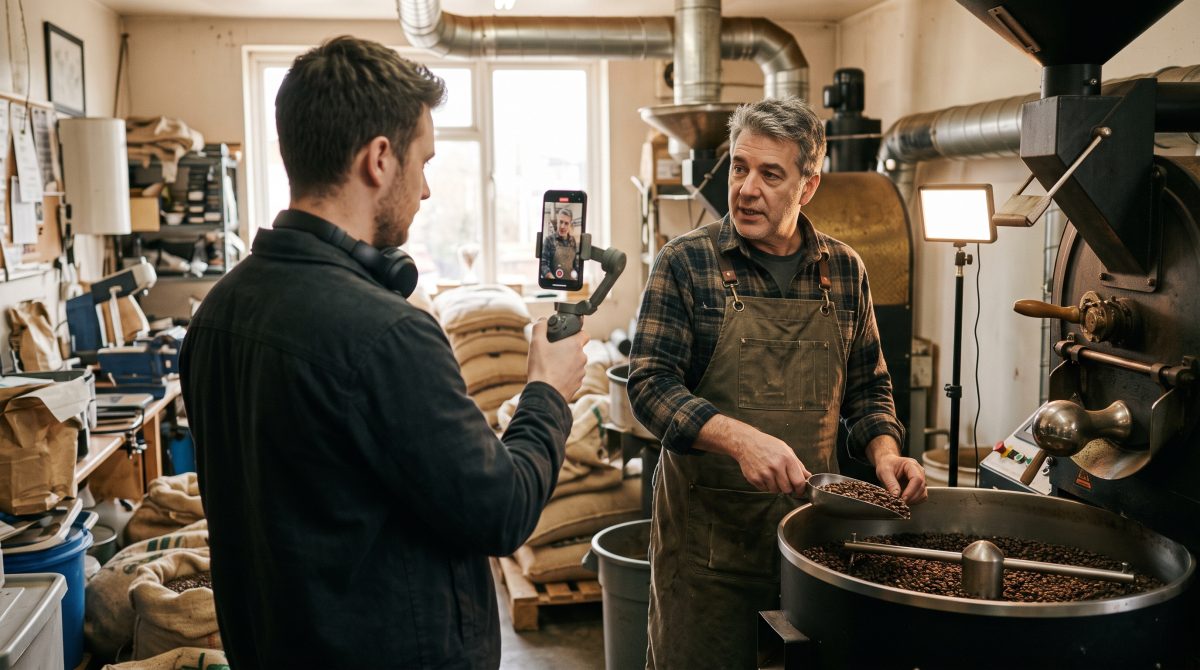
The list is grouped into five sets. The last column shows where each photo does the most good. Not every business needs every shot: a mobile dog groomer has no storefront, and an accountant doesn't need a before-and-after. Skip what doesn't apply, and double up on what matters most for your business.
| # | Shot | How to get it right | Best for |
|---|---|---|---|
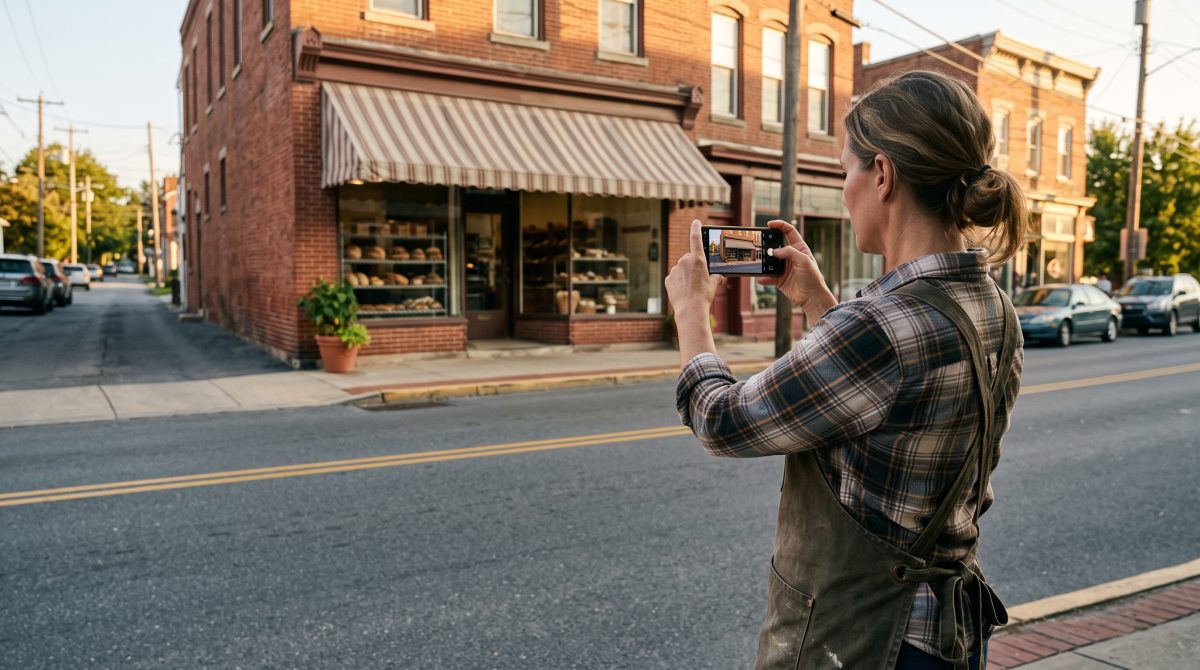
| 1 | Storefront, straight on | Daytime, clean windows, sign readable, no cars blocking the door. Stand across the street. | Website, Google cover, Yelp |
| 2 | The approach | Shoot from each direction customers actually come from, so they recognize you from the car. | Google, Yelp |
| 3 | The entrance up close | Door, hours sign, street number, and any ramp or accessible entrance. | Google, website contact page |
| 4 | Outside at dusk or in season | Lights on inside, or the storefront dressed for the holidays. Shows you're open and current. | Google, social media |
| # | Shot | How to get it right | Best for |
|---|---|---|---|
| 5 | The view from the doorway | A wide shot at eye level, exactly what a first-time customer sees when they step in. | Google, Yelp, website |
| 6 | Where customers spend their time | The waiting area, the counter, the chairs, the dining room or the treatment room. | Google, Yelp |
| 7 | A detail that says something about you | The display case, the chalkboard, the framed photo of the founder, the shelf of local products. | Website, social media |
| 8 | Accessibility features | Ramp, wide aisles, accessible restroom, parking. People with mobility needs look for these first. | Google, website |
| # | Shot | How to get it right | Best for |
|---|---|---|---|
| 9 | Owner headshot | Simple background, natural light, a real smile. This is also the photo Yelp asks for on your business account. | Website About page, Yelp account, LinkedIn |
| 10 | Owner at work | Doing the actual job, not posing behind a desk. This becomes your favorite photo. | Website homepage, About page |
| 11 | Each team member | Same background and framing for everyone, so they look like a set. | Website team page |
| 12 | The whole team together | Everyone, in work clothes, in your space. Retake it when the team changes. | Website, Google, social media |
| 13 | Staff helping a customer | A natural moment of service. Get permission from the customer first. | Website, Google, Yelp |
| 14 | Behind the scenes | The prep, the workshop, the truck being loaded at 7 a.m. Shows the care customers don't usually see. | Social media, website |
| # | Shot | How to get it right | Best for |
|---|---|---|---|
| 15 | Your signature product or service | The one thing people come to you for, photographed better than anything else on the list. | Website homepage, Google, Yelp |
| 16 | Each main product or service | One clear photo per service page or menu section. Plain, consistent backgrounds. | Website service pages, Google products |
| 17 | The product in use | The cake at the party, the kitchen being cooked in, the client leaving the salon. | Website, social media |
| 18 | A close-up detail | Texture, stitching, the grain of the wood, the finish on the tile. Shows quality. | Website, social media |
| 19 | Before and after | Same angle, same light, same framing. Only use real jobs, and only with the customer's OK. | Website, Google, Yelp |
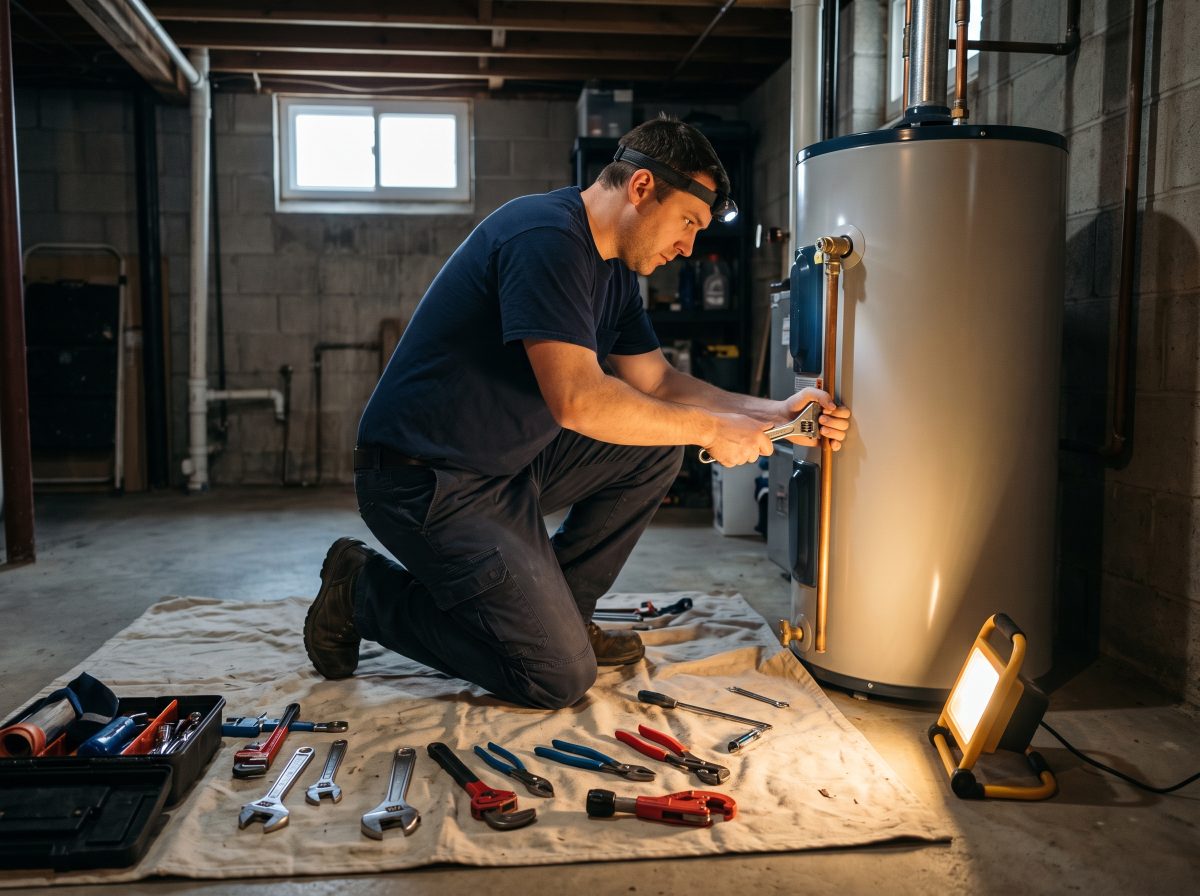
| 20 | The finished job on location | For service businesses with no storefront, these replace exterior shots. Avoid house numbers and license plates. | Google, website portfolio |
| 21 | Your vehicles and equipment | Clean, branded trucks and the tools of the trade help people recognize you in the driveway. | Google, website |
| # | Shot | How to get it right | Best for |
|---|---|---|---|
| 22 | Happy customers | Real customers, with written permission. Never use stock photos of "customers." | Website, social media |
| 23 | Out in the community | Sponsoring a team, a booth at the festival, a donation drive. | Social media, website About page |
| 24 | Something seasonal or new | The fall menu, the new service, the renovated waiting room. Add a few every season. | Google, social media |
| 25 | A wide banner shot with breathing room | A horizontal photo with empty space on one side, so your web designer can put a headline over it. | Website header |
The rules each platform plays by
The same photo can go everywhere, but each platform has its own expectations.
Google Business Profile
- Photos must represent reality: in focus, well lit, without heavy filters or major edits.
- Google recommends 720 × 720 pixels or larger, in JPG or PNG, between 10 KB and 5 MB.
- Your profile has to be verified before your photos appear, and new photos can take a day or two to show up.
- You can choose a cover photo, but Google doesn't guarantee it will be the first image people see. Strong photos across every category matter more.
Yelp
- Yelp's guidelines say business photos should reflect the typical customer experience: what the business looks like and what it offers.
- The profile photo on your business owner account needs to be a clear, real photo of you. Logos, storefronts and group shots get rejected, and you need an approved photo before you can reply to reviews.
- Caption your photos. "Gluten-free sourdough, baked daily" tells a customer more than "bread."
Your website
- Use your best photos here first. You control the order, the crop and the context.
- Compress large files before uploading so pages load quickly on phones.
- Give every meaningful photo alt text that describes what it shows, for visitors using screen readers.
- Name files with words, like "easton-bakery-storefront.jpg," not "IMG_4471.jpg."
Phone or professional?
Modern phones take excellent photos. For most of this list, the difference between a good photo and a bad one isn't the camera. It's light, framing and a clean space.
Do it yourself when…
- It's a quick, current shot: a seasonal special, a new product, today's finished job.
- You're adding photos regularly to Google or social media.
- The moment is unplanned and real, like a happy customer or a busy Saturday.
- You're filling gaps between professional shoots.
Hire a photographer when…
- You're launching or rebuilding your website. Those photos will be in use for years.
- You need consistent team headshots that look like a set.
- Your product is hard to photograph: food, jewelry, reflective surfaces, dark interiors.
- You want the banner shots and wide interiors that need real lenses and lighting.
Permission, privacy and the photos to leave out
Ask before you post people. Get a simple written OK from employees and customers who appear in your photos, and a parent's OK for anyone under 18. A text message saying "yes, you can use it" is better than nothing. A short release form is better still.
Watch the background. In customers' homes, keep house numbers, family photos, mail and license plates out of the frame. In your own space, check for whiteboards, schedules or screens showing customer information.
Retire old photos. A former employee, an old logo or a storefront before the renovation confuses customers. When something changes, replace the photo.
Skip stock photos and AI images for your listings. Google expects Business Profile photos to show your real business, and Yelp wants photos that reflect the actual customer experience. A stock photo of a smiling team that isn't yours can do more harm than having no photo at all, because the first customer who walks in will notice. On your website, generic images can work as background decoration, but never to represent your actual team, space or work.
Keep it fresh
Photos age faster than people think. A simple rhythm keeps them current:
- Every season: add three to five new photos to your Google profile: a new product, a seasonal display, a recent job.
- Every year: walk the shot list again. Retake anything that's out of date.
- Every time something changes: new team member, new sign, new space, new service. Photograph it that week.
Keep the originals in one shared folder, named by date and subject, so you can find the storefront shot in three years without scrolling through a phone.
How we handle it
When we build or rebuild a website, the photo plan is part of the content stage we describe in what a website project looks like, from kickoff to launch. We start with this list, mark which shots a client already has, and decide which ones are worth a professional shoot. Those go to our sister company, James Wick Photography. For the rest, we send clients a version of the phone tips above and help them sort through what they take.
If your photos are already in good shape, the next places they belong are your Google and Yelp listings. Yelp is now inside ChatGPT, and the photos on your profile travel with it.
Frequently asked questions
How many photos should a small business have on Google?
Google recommends at least three exterior and three interior photos, plus photos of your products, services and team. There's no upper limit, and businesses with many photos tend to get more calls and visits, so add a few new ones every season.
Can I take business photos on my phone?
Yes. For most everyday photos, a modern phone is plenty. Good light, a clean space and steady framing matter more than the camera. A professional photographer is worth it for website photos, team headshots and hard-to-shoot products.
Can I use stock photos or AI-generated images on my Google Business Profile?
You shouldn't. Google expects Business Profile photos to represent your real business, and stock or AI images can be rejected or mislead customers. Use real photos of your space, team and work.
What size should Google Business Profile photos be?
Google recommends at least 720 × 720 pixels, in JPG or PNG format, between 10 KB and 5 MB per file.
Related reading
- How to show up in AI answers: a 2026 guide for local businesses.
- Yelp is now inside ChatGPT: what it means for local businesses.
- Why a 4.7 beats a 5.0: the sociology of online reviews.
- What a website project looks like, from kickoff to launch.
- Writing web pages in plain language, with before-and-after examples.
Sources
- Google Business Profile Help, Manage your Business Profile photos & videos
- Google Business Profile Help, Tips for business-specific photos on your Business Profile
- Yelp, Content Guidelines
- Search Engine Land, New research shows strong link between Google My Business photo quantity and search performance (BrightLocal study)
- MarTech, Yelp upgraded Business Owner app brings mobile-first account management
Disclosure: James Wick Photography is owned and operated by Kosmic Edge LLC and Kosmic Edge Marketing LLC. Kosmic Edge Marketing is a Yelp Authorized Partner. The illustrations in this article are AI-generated. For your own website and listings, use real photos of your business.